
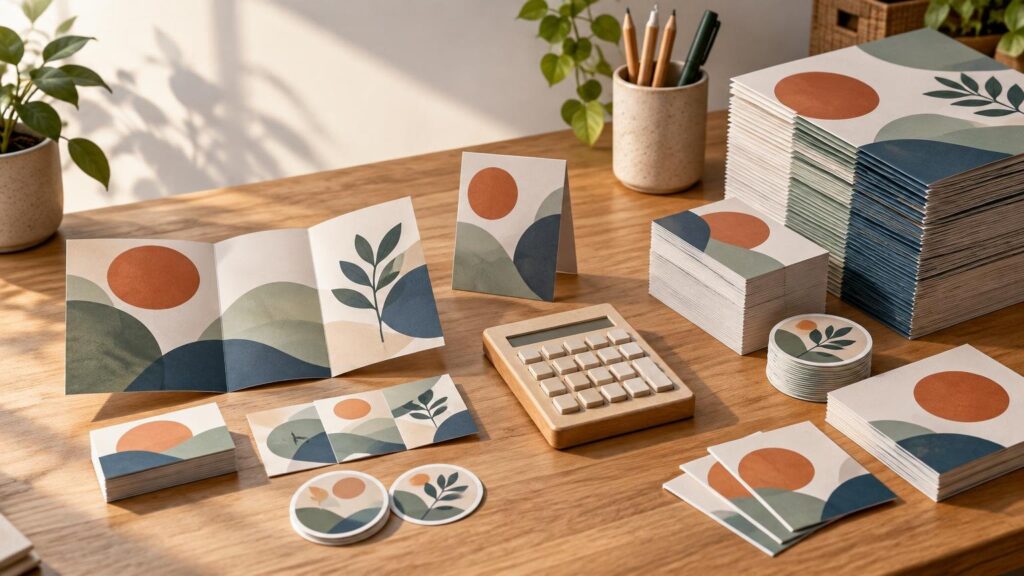
Choose a print quantity by asking how many current, usable pieces the project is likely to consume—not simply which quote has the lowest price per piece. Short runs often cost more per unit but reduce surplus, storage and obsolescence. Bulk printing can offer better value when demand is dependable, the design will remain current and the entire quantity can be stored and distributed economically.
There is no universal quantity at which a short run becomes a bulk run. The practical boundary changes with the product, dimensions, paper or substrate, finishing, number of versions and production method. Heidelberg, for example, describes very short runs as a digital-print application and medium-to-long runs as an offset application, while treating the technologies as complementary rather than absolute substitutes. Heidelberg’s explanation of digital and offset production
Calculate cost per usable piece
Start by choosing a realistic demand period: one event, one campaign, one product season or perhaps six months of routine use. Estimate how many pieces will actually be distributed during that period. Then compare each ordering plan with this calculation:
Total usable cost per piece = total project outlay ÷ number of current, acceptable pieces actually used.
Total project outlay can include printing, setup, proofs, finishing, freight, tax, storage, fulfillment, disposal and any replacement printing caused by a planned revision. The denominator excludes damaged pieces, outdated material and surplus that has no expected use. This is a planning measure rather than an accounting standard, but it exposes costs that a quoted unit price can hide.
- Printed quantity: Include every version and language, not just the combined total.
- Expected use: Base this on confirmed distribution channels, attendance, sales or historical consumption.
- Surplus risk: Estimate what could remain when the campaign or product changes.
- Complete delivered cost: Add setup, finishing, shipping and other charges excluded from the headline price.
- Operational cost: Include paid storage, split shipments, handling and disposal when they are material.
- Revision risk: Consider dates, prices, QR codes, menus, staff details and regulatory text that may change.
For event materials, estimate demand by distribution point before adding a controlled buffer. The event print quantity planning method provides a practical way to separate confirmed need from speculative extras.
Why short runs can cost less overall
Digital production can make smaller quantities practical because it avoids the plate and makeready costs associated with conventional offset production. HP identifies short-run, on-demand and variable-data work as digital-print applications. Digital systems can also support variable text, images and barcodes, which matters when one project needs personalized or regional versions.
A short run is particularly useful when demand is uncertain, artwork is still evolving or the material contains information that will expire. Ordering 250 pieces now and another 250 after checking demand may cost more per piece than ordering 1,000 at once. It can still cost less than paying for 1,000 and discarding 600.
Multiple runs also create checkpoints. You can correct a discovered error, update an offer or adjust the quantity before committing more budget. The tradeoff is exposure to another setup charge, another freight charge, production availability and possible variation between batches.
When bulk printing earns the discount
Bulk ordering becomes stronger when demand is stable and the specification is unlikely to change. Evergreen packaging inserts, standard forms and consistently used promotional pieces may consume enough volume to justify a larger commitment. Conventional production can spread its setup costs across more pieces, while high-volume digital equipment may also offer favorable economics at substantial quantities.
Do not treat “bulk” as a synonym for offset or “short run” as a synonym for digital. Equipment and workflows overlap. Heidelberg reported that about 65% of jobs on its Speedmaster presses involved fewer than 2,000 sheets, even though offset presses produced 90% of the volume in the cited data. That distinction shows why job count and physical print volume are different measures.
A hypothetical usable-cost comparison
Assume a business expects to use 1,000 brochures during a six-month campaign. These figures are illustrative assumptions, not market prices or provider quotes.
| Plan | Assumed project outlay | Expected usable pieces | Usable cost |
|---|---|---|---|
| Two runs of 500 | $940 printing plus $80 freight = $1,020 | 1,000 | $1.02 each |
| One run of 1,500 | $780 printing plus $70 freight, $120 storage and $100 disposal = $1,070 | 1,000 | $1.07 each |
The bulk plan has an apparent printing price of $0.52 for each of the 1,500 pieces. Once 500 unnecessary pieces and the associated costs are considered, its cost for each piece actually used becomes $1.07. Under these assumptions, two short runs are the better plan despite their higher print price.
Change the assumptions and the answer can reverse. If all 1,500 brochures are used, storage is free and no revision is expected, the bulk run becomes much more attractive. Run the calculation with your own quotes and demand estimate. Use the complete print quote comparison checklist to identify excluded charges before selecting a quantity.
Keep the specifications identical when requesting quotes
A quantity comparison is useful only when each quote covers the same finished product. Specify final size, page count, color configuration, paper or substrate, weight or thickness, coating, binding, folds, die cutting, packing and delivery location. Ask whether the stated turnaround begins with order placement, payment, artwork approval or proof approval.
Request more than one quantity on the same specification, such as 250, 500, 1,000 and 2,000 pieces. This reveals the actual price breaks without forcing you to compare unrelated products. If the format is still undecided, Printiverse custom printing and print product options can help frame the product category before you seek like-for-like quotes.
Prepare one production-ready file for every option
File problems can erase the savings from either ordering strategy. Adobe identifies 0.125 inch, or 3 mm, as a typical bleed for artwork extending to the trimmed edge, but the provider’s requirement controls. Adobe’s explanation of print bleed Do not add printer marks unless the provider requests them for its workflow.
Before export, check links, fonts, margins, bleed, color settings and preflight warnings. Adobe specifically flags missing fonts, overset text and images below 300 ppi among issues to resolve. Adobe’s print-ready PDF guidance Use the PDF preset and color profile requested by the selected provider rather than assuming one export recipe fits every order. The print-ready PDF checklist covers the questions to confirm before approval.
Choose the quantity that protects the project
Use a short run when flexibility, versioning or uncertain demand matters more than the lowest quoted unit price. Choose bulk printing when usage is predictable, content is stable and the complete delivered cost remains favorable. In either case, compare the money spent with the number of acceptable pieces likely to perform a real job. That total usable cost is the number your budget ultimately experiences.
References
- Press Release (Data Sources) | HEIDELBERG
- HP Indigo Digital Press: A Complete Overview | HP® Official Site
- HP Indigo 7K+ Digital Press FAQs | Find Answers to Your | HP® Official Site
- Print bleed and slug areas in InDesign
- Set printer's marks in InDesign
- Produce print-ready PDF files in InDesign
- Adobe PDF export options in InDesign